Khi nói đến WordPress trên đây, bạn có thể sẽ thấy hiển thị hai kết quả tìm kiếm trên Google khi tìm kiếm với cụm từ WordPress là hai website wordpress.com và wordpress.org. Tuy nhiên, tất cả bài viết hướng dẫn tại Thachpham.com đều dành cho wordpress.org nên mình cũng xin nói qua về sự khác nhau của hai loại wordpress.com và wordpress.org để bạn hiểu thêm về nó.
WordPress.Org là gì?
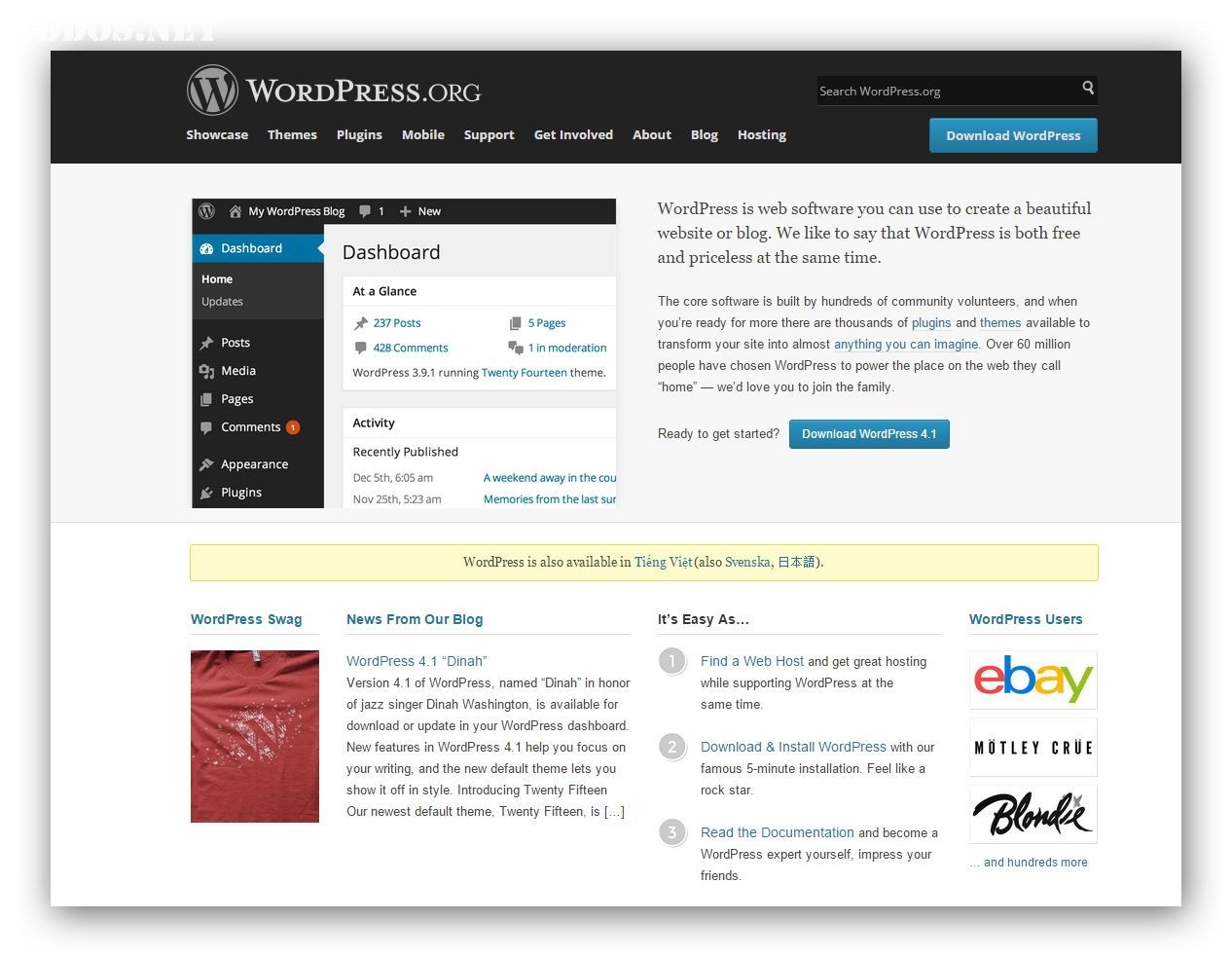
WordPress.Org là địa chỉ website của trang chủ mã nguồn WordPress, tại đây bạn có thể tải bản cài đặt mã nguồn WordPress về và tự cài lên host của bạn rồi tự do tùy biến, quản trị. Phiên bản tự cài đặt người ta thường gọi là WordPress tự host (WordPress Self-Hosted).
Sở dĩ mà mình khuyến khích các bạn sử dụng WordPress tự host là vì chúng ta có toàn quyền quản trị vì nó được lưu và chạy trên host của riêng mình, sử dụng tên miền (domain) riêng như thachpham.com nè, bạn có thể tự do cài thêm bất kỳ theme WordPress nào bạn có, cài thêm plugin và tùy biến với các kỹ năng nâng cao.
WordPress.Com là gì?
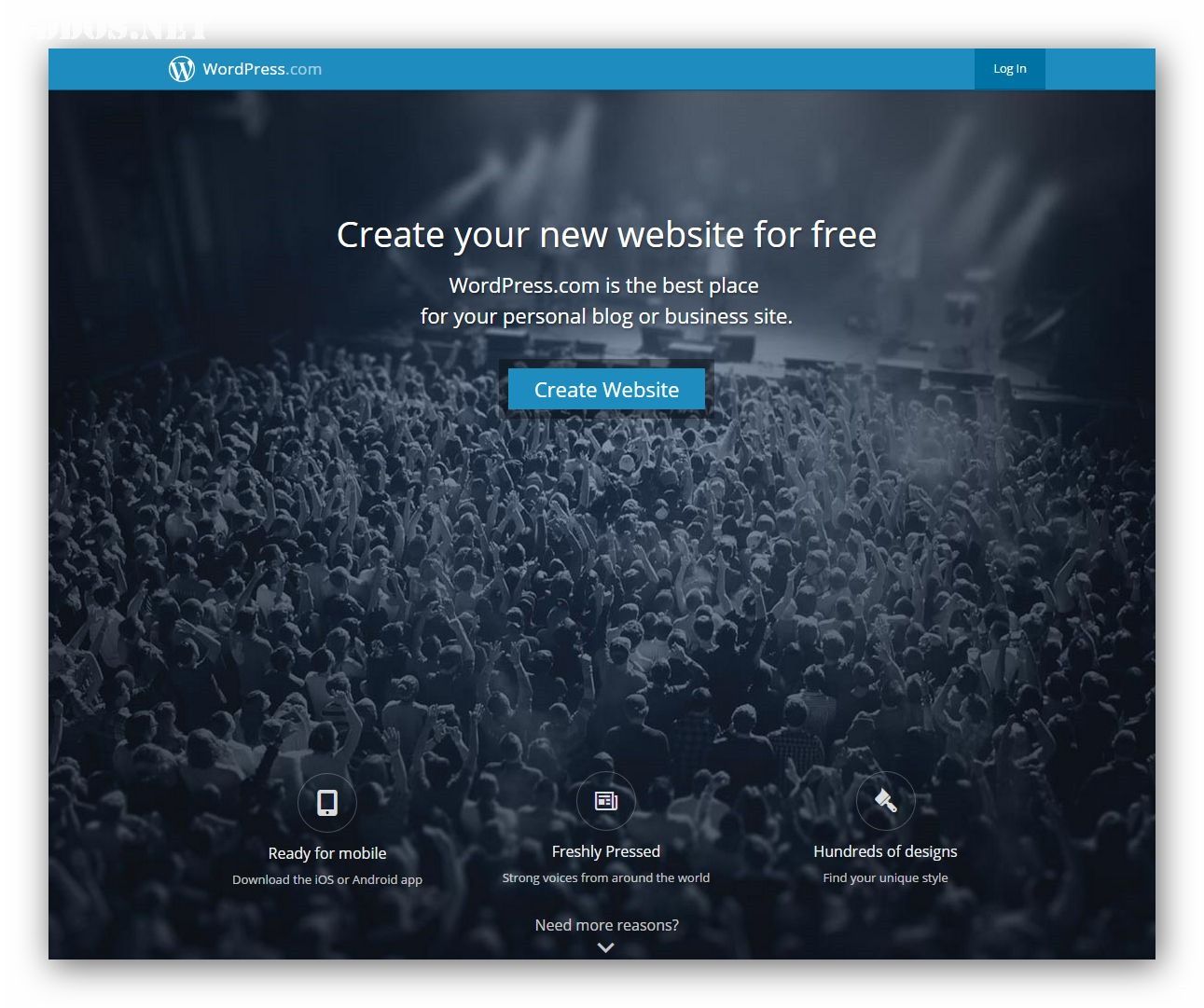
WordPress.Com là địa chỉ website của dịch vụ tạo blog miễn phí trên nền tảng mã nguồn WordPress. Đây cũng là một sản phẩm của Automattic nhưng chuyên phục vụ cho các đối tượng người dùng chỉ muốn có một website WordPress nhanh chóng mà không cần cài đặt, không cần thuê host và chi phí để sử dụng tên miền riêng là $25/năm.
Tuy nhiên với dịch vụ này, bạn không có quyền cài theme bên ngoài vào mà chỉ phụ thuộc vào các theme miễn phí trong thư viện theme WordPress.Com có hỗ trợ. Cũng như bạn không thể cài đặt plugin mà chỉ sử dụng các tính năng có sẵn của WordPress. Do vậy nếu bạn đang dùng WordPress.Com mà xem các bài hướng dẫn tại Thachpham.com thì sẽ không thể nào làm theo được.
Nếu bạn có nhu cầu chuyển đổi sang WordPress.Org, thì sau khi học xong serie này bạn có thể tự chuyển nội dung từ website WordPress.Com sang WordPress.Org theo hướng dẫn này.
Lời kết
Cuối bài này, mình muốn tóm gọn lại là nếu bạn muốn sử dụng WordPress theo hướng chuyên nghiệp thì hãy sử dụng WordPress.Org bằng cách làm theo serie học WordPress căn bản để tự do tùy biến tốt hơn.

Chúng tôi sử dụng cookie để đảm bảo mang đến cho bạn trải nghiệm tốt nhất trên trang web của chúng tôi. Nếu bạn tiếp tục sử dụng trang web này, chúng tôi tin rằng việc này sẽ làm bạn hài lòng.
Cookie Preferences
Manage your cookie preferences below:
Essential cookies enable basic functions and are necessary for the proper function of the website.
Name
Description
Duration
Cookie Preferences
This cookie is used to store the user's cookie consent preferences.
30 days
Google Tag Manager simplifies the management of marketing tags on your website without code changes.
Name
Description
Duration
cookiePreferences
Registers cookie preferences of a user
2 years
td
Registers statistical data on users' behaviour on the website. Used for internal analytics by the website operator.
session
Statistics cookies collect information anonymously. This information helps us understand how visitors use our website.
Google Analytics is a powerful tool that tracks and analyzes website traffic for informed marketing decisions.
Contains information related to marketing campaigns of the user. These are shared with Google AdWords / Google Ads when the Google Ads and Google Analytics accounts are linked together.
90 days
__utma
ID used to identify users and sessions
2 years after last activity
__utmt
Used to monitor number of Google Analytics server requests
10 minutes
__utmb
Used to distinguish new sessions and visits. This cookie is set when the GA.js javascript library is loaded and there is no existing __utmb cookie. The cookie is updated every time data is sent to the Google Analytics server.
30 minutes after last activity
__utmc
Used only with old Urchin versions of Google Analytics and not with GA.js. Was used to distinguish between new sessions and visits at the end of a session.
End of session (browser)
__utmz
Contains information about the traffic source or campaign that directed user to the website. The cookie is set when the GA.js javascript is loaded and updated when data is sent to the Google Anaytics server
6 months after last activity
__utmv
Contains custom information set by the web developer via the _setCustomVar method in Google Analytics. This cookie is updated every time new data is sent to the Google Analytics server.
2 years after last activity
__utmx
Used to determine whether a user is included in an A / B or Multivariate test.
18 months
_ga
ID used to identify users
2 years
_gali
Used by Google Analytics to determine which links on a page are being clicked
30 seconds
_ga_
ID used to identify users
2 years
_gid
ID used to identify users for 24 hours after last activity
24 hours
_gat
Used to monitor number of Google Analytics server requests when using Google Tag Manager
1 minute
Marketing cookies are used to follow visitors to websites. The intention is to show ads that are relevant and engaging to the individual user.
A video-sharing platform for users to upload, view, and share videos across various genres and topics.
Registers a unique ID on mobile devices to enable tracking based on geographical GPS location.
1 day
VISITOR_INFO1_LIVE
Tries to estimate the users' bandwidth on pages with integrated YouTube videos. Also used for marketing
179 days
PREF
This cookie stores your preferences and other information, in particular preferred language, how many search results you wish to be shown on your page, and whether or not you wish to have Google’s SafeSearch filter turned on.
10 years from set/ update
YSC
Registers a unique ID to keep statistics of what videos from YouTube the user has seen.
Session
DEVICE_INFO
Used to detect if the visitor has accepted the marketing category in the cookie banner. This cookie is necessary for GDPR-compliance of the website.
179 days
LOGIN_INFO
This cookie is used to play YouTube videos embedded on the website.